How to Find Your CIBIL Score and Locate Lender Details on Your Report
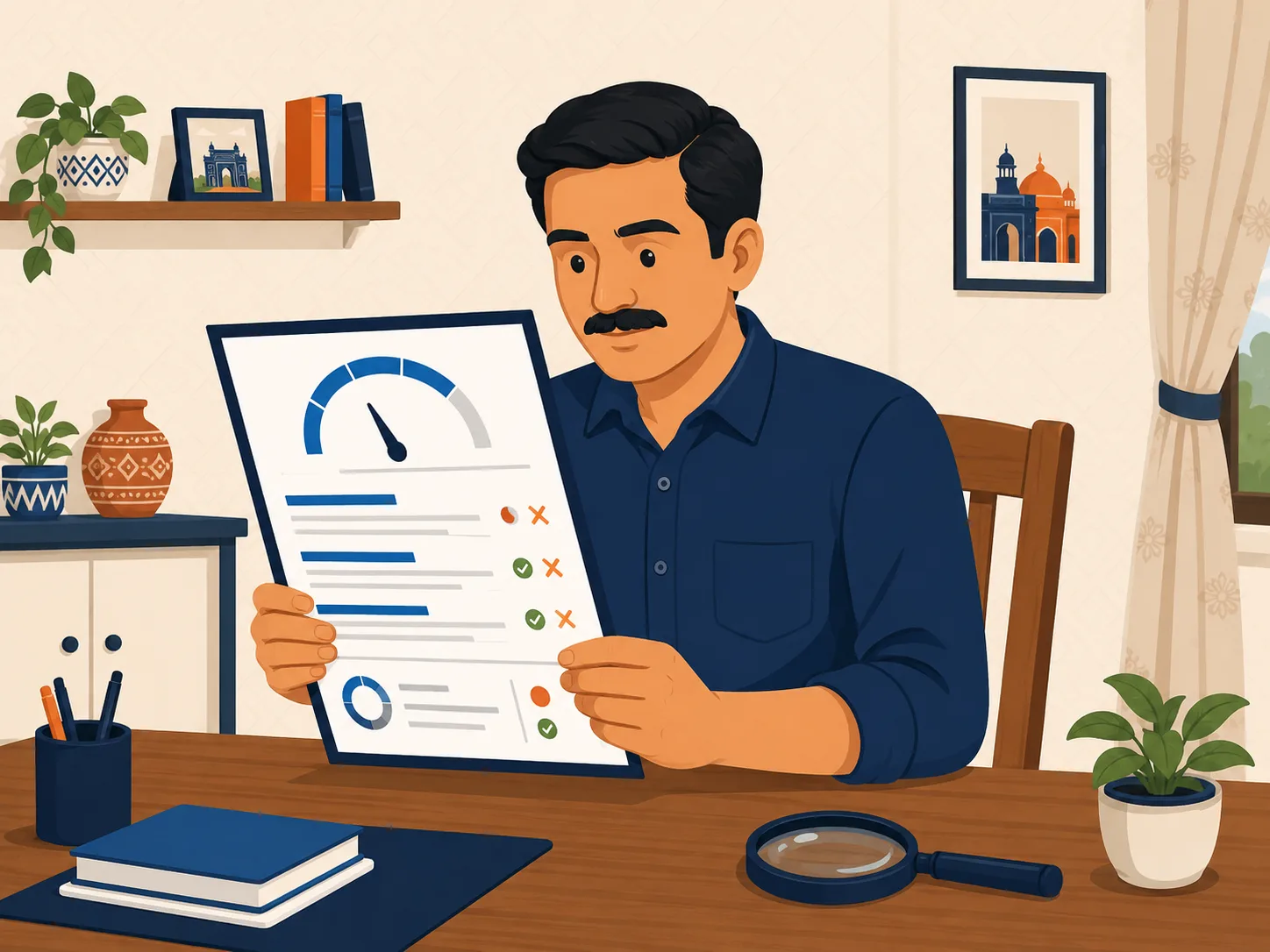
Finding your CIBIL score just means pulling your report from CIBIL, Experian, or Equifax. The harder part for many people is recognizing the lender names listed against each account, since the legal entity that actually lent you money often isn't the app or brand name you remember using. This guide covers both, briefly on the score, mostly on making sense of the lenders.
Mohit Juneja
Reviewed by Mohit Juneja, Debt Resolution Specialists
 4.7/5
4.7/5 ₹3,200Cr+
 20,000+
 20,00,000+4.7/5₹3,200Cr+20,000+20,00,000+
KEY TAKEAWAYS

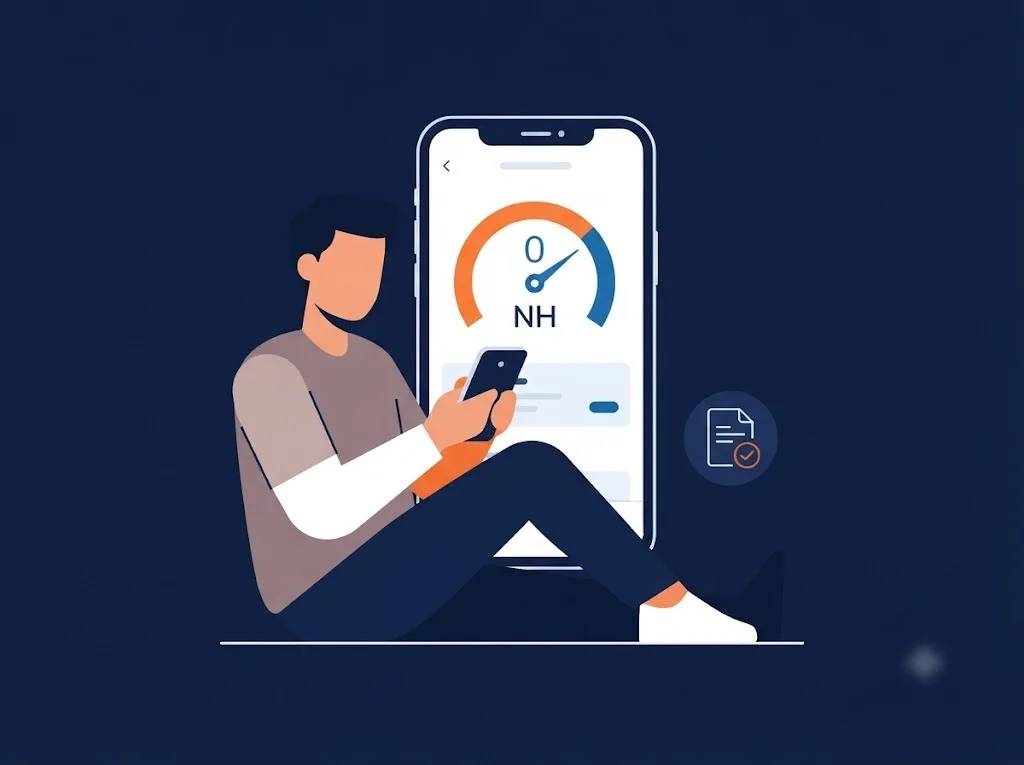
You can access your credit score through a bureau's credit-report service or through a lender/app that provides a credit-check feature. RBI also requires CICs to provide eligible individuals one free full credit report, including the credit score, once per calendar year.
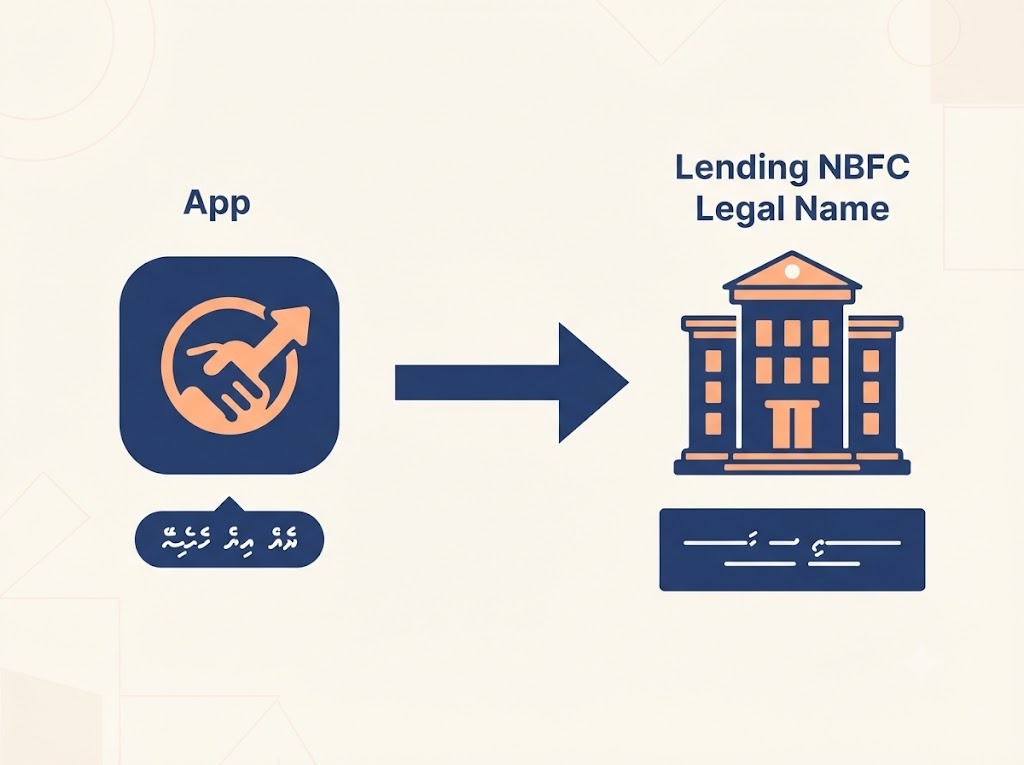
The lender name on your report is often a legal NBFC entity, not the consumer-facing app or brand you borrowed from; this is normal.
Under RBI's Digital Lending Directions, 2025, regulated digital lending arrangements must clearly disclose the identity of the regulated entity providing the loan, including through the Key Fact Statement and loan documentation.
If a listed lender doesn't match RBI's registered-entity records, that's a real, checkable red flag worth acting on immediately.
Two Different Things: Your Score vs. Your Report's Lender Details
Finding your score is a quick, largely solved problem. Pull your free annual report from any bureau, or use a lender's or app's built-in check; the number itself takes seconds to locate.
The genuinely confusing part for many people sits beneath that number: the account-level detail, specifically recognizing who each listed lender actually is. This piece spends most of its length on that second, harder problem. FREED's dedicated guide on checking your correct CIBIL score covers the score-finding mechanics in full, worth reading first if that part is genuinely what you came here for.

Freed Expert Tip
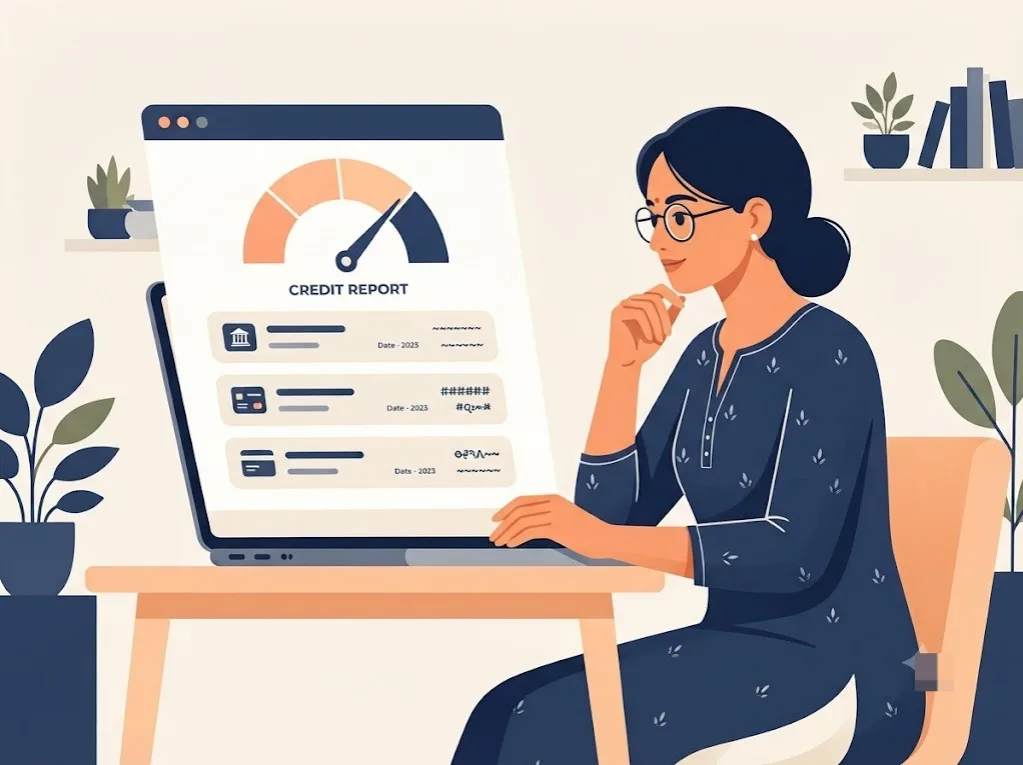
Pull your full report, not just your score, before reading further. This guide is written to be read against your own account list. Want to Check Yours Now?
Check My Credit ScoreWhy the Lender Name on Your Report Might Not Match the App You Used
Some lending apps operate as Lending Service Providers (LSPs), working with a regulated bank or NBFC that provides the credit. In such arrangements, the app may be the customer-facing interface while the regulated entity is the actual lender. This is a completely legal, common arrangement under RBI's digital lending framework, not a red flag by itself.
Here's the pattern in general terms. A consumer-facing app brand markets and manages the borrower relationship day-to-day, while a differently named finance or capital company, often carrying "Private Limited," "Finance," or "Capital" in its name, is the entity that legally disburses the loan and reports it to the bureau.
The practical implication is that your credit report may show the regulated lender's legal name rather than the consumer-facing app or brand you remember using. That's why a report can look unfamiliar even when every account on it is genuinely yours. Knowing this, here's how to locate and verify each lender's details.
How to Locate Each Lender's Legal Details on Your Report
How to Verify an Unfamiliar Lender Name
- Check the loan agreement or Key Fact Statement (KFS) from any app you recall using. Under RBI's Digital Lending Directions, 2025, this document must name the actual regulated entity lending the money, not just the app brand.
- Cross-check the lender's legal name against RBI's official records and, where applicable, the Digital Lending Apps directory. This can help verify whether the lender/app is associated with a regulated digital-lending arrangement.
- If the name matches a verified, registered entity, that's a useful first step but you should still match the account details against your loan documents and borrowing history.
- If you genuinely cannot connect the name to any app or loan you recall, and it doesn't verify against RBI's records either, treat that as a real discrepancy worth raising immediately, not something to assume away.
Knowing this, contacting the actual lender directly is usually the next step.
What the Law Says
Under RBI's Digital Lending Directions, 2025, every digital lending app must clearly disclose the actual regulated bank or NBFC lending the money, along with a Key Fact Statement, before you accept any loan.
Understand My RightsHow to Contact a Lender Listed on Your Report
Once verified, use the lender's official website to find its customer-care and grievance-redressal channels. Don't rely on a contact number printed only inside an unfamiliar app, verify it against the NBFC's own official site first.
Reference the Member Reference Number from your report when contacting them, it speeds up identifying your specific account rather than starting from scratch. If the loan was originated through an LSP, you can also use the app's support channel for operational queries, but keep the regulated lender's official contact and grievance details available for formal complaints.
How to Contact a Lender Listed on Your Report
Once verified, use the lender's official website to find its customer-care and grievance-redressal channels. Don't rely on a contact number printed only inside an unfamiliar app, verify it against the NBFC's own official site first.
Reference the Member Reference Number from your report when contacting them, it speeds up identifying your specific account rather than starting from scratch. If the loan was originated through an LSP, you can also use the app's support channel for operational queries, but keep the regulated lender's official contact and grievance details available for formal complaints.
What to Do If a Listed Lender Seems Fraudulent
If you cannot connect a lender name to any loan you took and the account also cannot be explained through your records, it could indicate a reporting error or possible identity fraud and should be investigated promptly.
Act immediately. Raise a dispute directly with the bureau, and separately report the specific entity to RBI's Sachet portal (sachet.rbi.org.in) or the national cybercrime portal (cybercrime.gov.in, helpline 1930). Don't wait to see if it resolves on its own. An incorrectly reported or fraudulent account can affect your credit profile and may result in recovery contact if it remains unresolved.
Worth being clear, though: don't treat every unfamiliar name as fraud before verifying; most turn out to be a legitimate NBFC partner behind an app you did actually use.
What Are Your Options If Multiple Lenders Are Genuinely Yours
Once every lender on your report is verified as genuine, it's common to find several separate unsecured accounts across different NBFC-app combinations, each with its own EMI and due date.
If those accounts are still current but you're stretched managing several, a consolidation arrangement may replace eligible debts with one new credit facility and a single monthly payment. For genuine, sustained inability to repay, settlement is a separate, later-stage option.
How FREED Helps Once You've Made Sense of Your Report
FREED's Debt Consolidation Program, including ‘Reduce My EMI,’ is designed for eligible borrowers with multiple genuine unsecured accounts and may consolidate eligible debts into one new loan with a single monthly payment. The final EMI and terms depend on the borrower's profile and lender. For genuine, sustained inability to repay even a consolidated amount, FREED's Debt Resolution Program is a separate, later-stage path.

See What Consolidation Could Look Like
A free assessment shows your real options.
Start My Free AssessmentTips for Staying on Top of This Going Forward
Sources
Claim | Source |
Every digital lending app must disclose the actual regulated lender's name via a Key Fact Statement before disbursal | RBI Reserve Bank of India (Digital Lending) Directions, 2025 |
RBI's Digital Lending Apps directory has been live on rbi.org.in since July 2025, letting borrowers verify a lending app's regulated status | RBI Digital Lending Directions, 2025, para 17 |

Mohit Juneja
Mohit Juneja writes educational content at FREED on debt management, credit scores, loan repayment, and borrowing best practices. His content is shaped by expert insights and industry knowledge, helping readers better understand their financial options and make informed decisions.
mohit.juneja@freed.care

FREED is India's trusted loan management platform. Founded in 2020 and headquartered in Gurugram, FREED has counselled 20 lakh+ people on personal loans, credit cards, and app loans. FREED charges fees only on successful settlement, not upfront. FREED does not handle secured loans (home loans, car loans, gold loans).
Media Mentions