How to Check CIBIL Score on Google Pay: Step-by-Step Guide
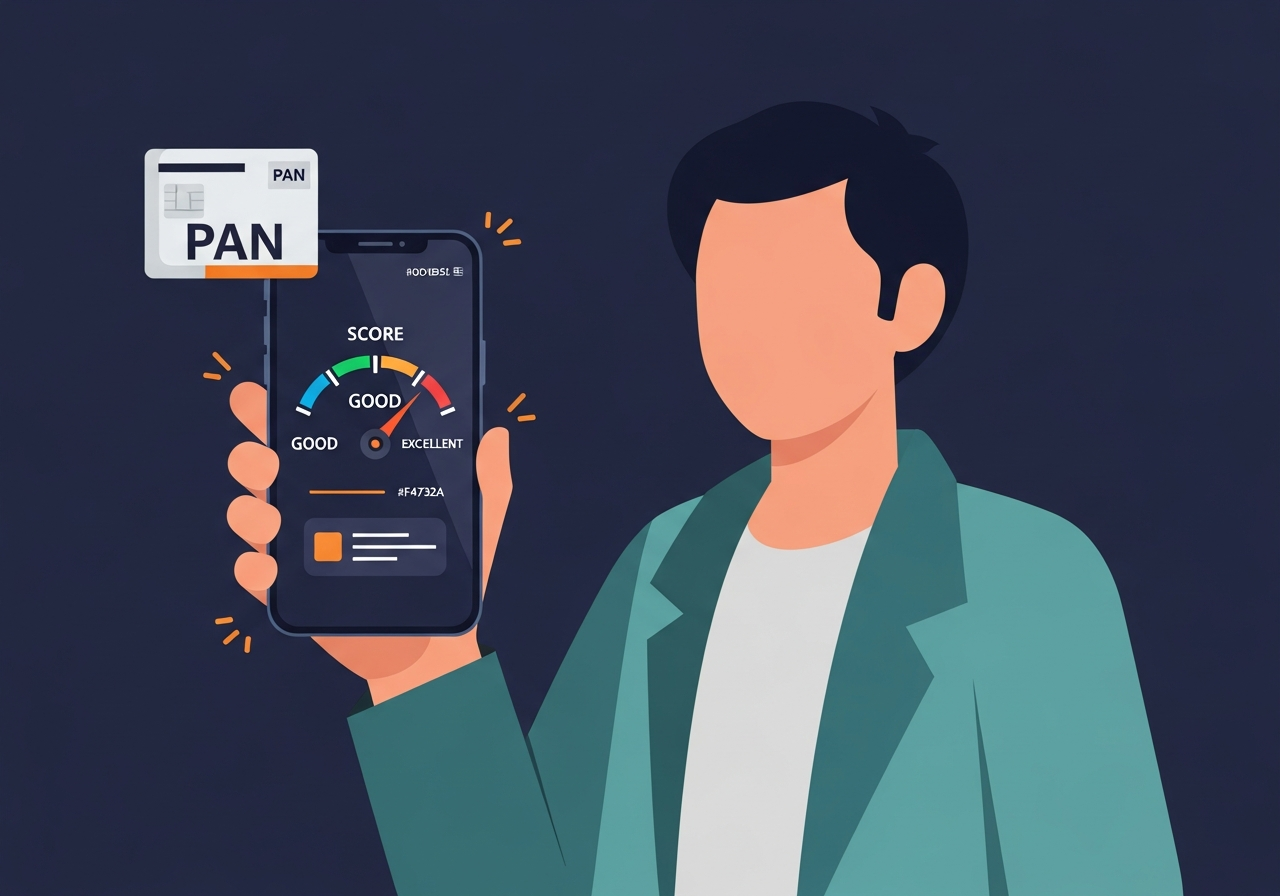
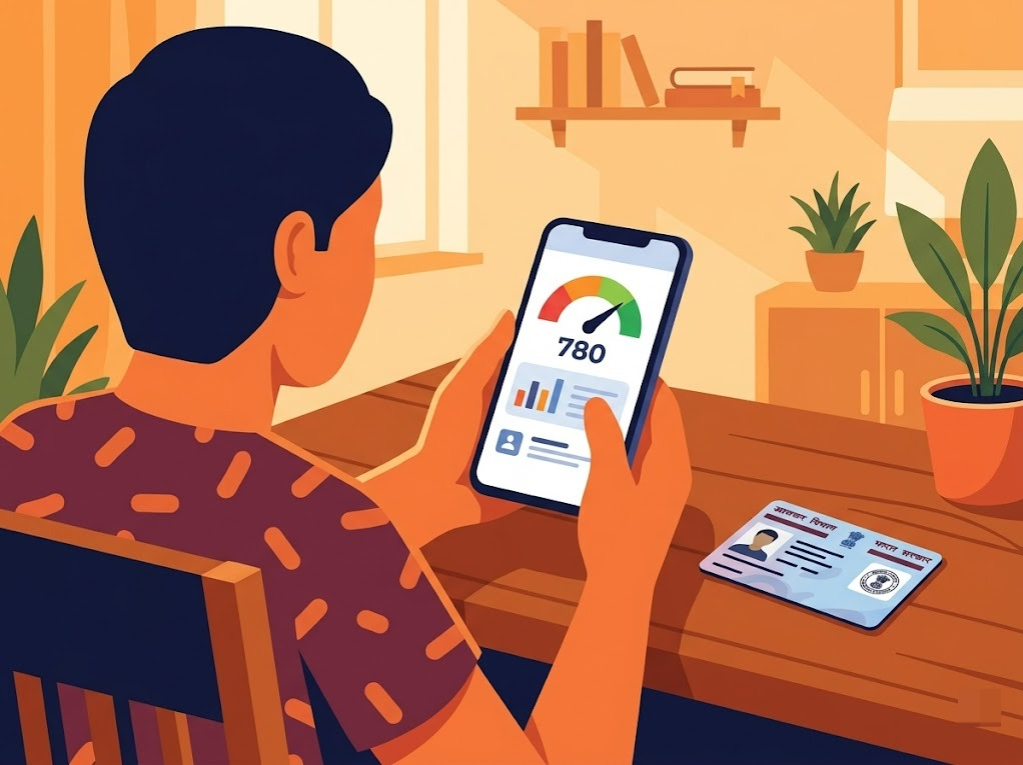
Checking your CIBIL score on Google Pay means opening the app, tapping the credit score section, and viewing your score for free within a few taps, without needing to visit the official bureau website or enter your PAN card details separately.
Mohit Juneja
Reviewed by FREED India, Debt Resolution Specialists

 4.7/5
4.7/5 ₹3,200Cr+
 20,000+
 20,00,000+4.7/5₹3,200Cr+20,000+20,00,000+
KEY TAKEAWAYS

You can check your credit score through Google Pay without paying for the score check, subject to the feature's current availability and eligibility.
Checking your own score through the app is a soft enquiry and does not lower your CIBIL score.
Depending on the current Google Pay experience, the feature may provide a score and limited summary rather than the full credit report available from a bureau.
Your score may not change every day. Updates depend on when lenders report new information and when the bureau processes it.
A higher credit score can strengthen your credit profile, but lenders also consider income, existing obligations, repayment history, employment/business profile and other eligibility criteria.
What Is the CIBIL Score Check Feature on Google Pay?
Google Pay has a built-in feature that shows your credit score for free, right inside the app, without redirecting you to a separate website. It works by partnering with a credit bureau to pull your score with your consent, then displaying it directly in the app.
Worth clarifying one thing upfront: a CIBIL score specifically refers to the number from TransUnion CIBIL, while "credit score" is the broader term covering scores from any of India's four bureaus. Google Pay lets eligible users check a credit score within the app. Before calling it a CIBIL score, check which credit bureau is currently providing the score shown in your Google Pay account.
What you get is the number itself plus a short summary line, not a full factor-by-factor breakdown. There's no detailed report to scroll through, no list of what's helping or hurting the number, just the score and a quick read on where it sits.
Knowing what the feature actually does is step one. Knowing when it's actually worth checking is step two, and that's a more useful question than it sounds.
Why Check Your CIBIL Score on Google Pay
Three practical reasons make this worth doing, beyond just curiosity.
The first is convenience. You're likely already in this app daily for payments, so checking your score doesn't need a separate signup or a new login to remember.
The second is speed. Results usually load within a minute or two of confirming, nothing close to the wait some other checks involve.
The third is low pressure. Checking your own score does not lower it, but there is usually little value in checking repeatedly when no new information has been reported. This is worth addressing directly since it's a common doubt: checking your own score, on Google Pay or anywhere else, counts as a soft enquiry. Checking your own score is treated differently from a lender's hard enquiry and does not lower your score. Hard enquiries are one of the factors that can affect a credit score.
None of this makes Google Pay the only place to check, or even the best one for every situation. It's simply the lowest-friction option for a quick look. That last point matters more than it sounds. A lot of people either check obsessively, expecting daily movement that isn't coming, or avoid checking altogether out of a vague worry that looking will somehow make things worse. Neither approach helps much.
Convenience is one thing. Knowing the right moments to actually check is a separate question, and it's worth a minute to get right before diving into the steps themselves.
When Should You Check Your CIBIL Score
A handful of moments are genuinely worth a check, rather than checking on no particular schedule at all, or worse, checking every single day and reading meaning into a number that hasn't actually moved.
- Before applying for any loan or credit card. Knowing where you stand beforehand helps you gauge what terms to expect, and whether it's worth waiting to apply.
- A few months after closing or settling a loan. Updates take time to reflect on your report, so checking too soon after just shows the old picture.
- After filing a dispute or correction request. Confirming the fix actually went through matters more than assuming it did.
- Once every few months as a general habit. This catches problems early without turning into an obsessive daily check.
- After paying off a large chunk of credit card debt. Watching utilization actually drop is one of the more satisfying, and useful, things to track.
Once you know when to look, the actual mechanics of checking inside Google Pay take under two minutes, which is exactly what the next section walks through.

FREED Expert Tip
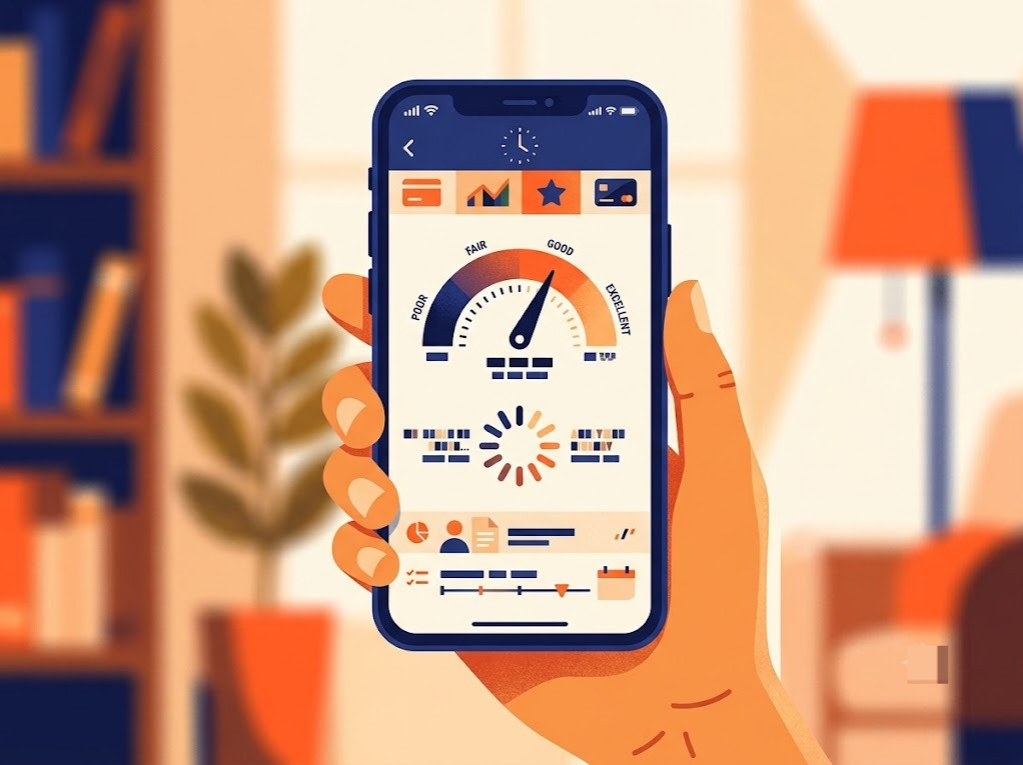
Set a monthly reminder to check your score instead of daily. It usually updates about once a month, so checking more often just repeats the same number.
Check My CreditHow to Check CIBIL Score on Google Pay, Step by Step
Here's the general sequence, though it's worth noting menu wording can shift slightly with app updates, so what you see on your own screen might differ a little from an older screenshot floating around online.
- Open Google Pay and Find the Score Section. Open Google Pay and look for the credit-score option in the app. The location and wording may vary depending on the current version of the app.
- Tap to Start the Check. You may be asked to confirm your registered mobile number and give consent to pull your score.
- Enter PAN Details if Asked. Some versions only need mobile verification if your PAN is already linked to your account. If PAN comes up, here's what that verification step generally involves across different apps, not just this one.
- Confirm and Wait for the Result. The score usually loads within a minute of confirming.
- View Your Score and Summary. You'll see the number and a short one-line summary, not the full detailed report. For the fuller picture of what a complete report actually shows, that's a separate resource worth reading once you've got the basic number.
That's genuinely the whole process. No separate account to create on a bureau website, no waiting days for an email, just a few taps inside an app most people already have open several times a day.
A couple of things worth expecting along the way. If your mobile number registered with Google Pay doesn't match the one linked to your credit file, the check might fail or ask for additional verification, in which case switching to the official bureau website directly is usually faster than troubleshooting the app. And if you've recently changed your phone number without updating it everywhere, that's a common reason the check doesn't go through cleanly on the first try.
One more practical note: the consent step matters more than people usually realize. Google Pay can't pull your score without you explicitly agreeing each time the flow requires it, so if you back out midway and try again later, you may need to re-confirm consent rather than picking up where you left off.
Once you've got the number, the next question is what it actually tells you, and just as importantly, what it doesn't.

What You'll See in Your Google Pay CIBIL Score Report
The result screen shows two things: the score itself, somewhere on the 300 to 900 scale, and a short one-line summary label, something like "good" or "excellent" depending on where the number falls.
That's genuinely it. What different bands like "good" or "excellent" actually mean in practical terms, what they unlock with lenders, isn't something the app breaks down for you, you're left to interpret the label on your own.
What's missing is worth naming clearly. There's no factor-by-factor breakdown showing what's dragging the score up or down, no list of your active loans and cards, no enquiry history showing who's checked your file recently, and no option to raise a dispute if something looks wrong. It's a snapshot, not a diagnostic. It's a bit like checking your weight on a scale without any sense of what changed since last time, useful as a data point, not much use as an explanation.
For just wanting to know the number, this is genuinely enough. Plenty of people check their score exactly this way and never need more than that. But if the number is lower than expected, or if you're trying to actually understand what's driving it before a big decision, a lighter summary like this one runs out of usefulness pretty quickly.
That gap, knowing the number versus understanding what's behind it, is exactly where the next couple of sections pick up.
Other Ways to Check Your CIBIL Score
Method | Cost | What You See | Best For |
Google Pay | Free | Score number and short summary | A quick, casual check |
Official CIBIL Website | Free (one full report a year), paid for more | Full detailed report | Before a major loan application |
Other PAN-based Apps | Free | Score number, sometimes basic factors | A second opinion or comparison |
The practical difference comes down to depth versus speed. A quick app check works fine for a casual look or a habit-forming routine. Pulling a full report directly from the official site makes more sense before something significant, a home loan, a large personal loan, anything where the exact numbers actually matter. And checking through a PAN-based alternative that uses Aadhaar verification can work as a quick cross-check if the Google Pay number looks off, or if you just want a second read before trusting one source.
None of these is objectively the best, they're built for different moments. Someone checking casually every few months has very different needs from someone about to sign a ₹40 lakh home loan, and it's worth being honest with yourself about which situation you're actually in before picking a method. Consistency in which method you use also helps, since comparing the same source over time gives a cleaner read on your actual trend than jumping between apps that may show slightly different numbers on any given day.
Your report typically refreshes on a monthly cycle as lenders send updated data, which is worth keeping in mind if you're checking through more than one method and seeing numbers that don't perfectly line up.

Are You in a Loan Trap? Quick Check
Move the slider to your total EMIs as a % of monthly salary. See your debt stress level instantly.
EMIs as % of Monthly Salary
How FREED Helps You Understand What Google Pay Doesn't Show
Google Pay shows you the number. FREED's Credit Insight tool shows you what's actually behind it, what's currently helping the score, what's hurting it, and step-by-step recommendations for improving it further, all pulled from your Experian credit report.
It's open to everyone, no enrollment in any FREED program required, and no minimum income or score threshold to subscribe. Which is worth weighing directly against Google Pay's free-but-limited view, you're paying specifically for the depth that a quick app check doesn't provide.
To be clear, none of this is meant to knock what Google Pay does. A free, fast check inside an app you already use is genuinely useful, it's just built for a different job than a full report is. Think of it as a fine first step rather than a full replacement, the two aren't really competing for the same purpose.
Where Credit Insights actually earns its keep is the moment a quick number stops being enough, when you're trying to figure out why the score sits where it does, not just what it currently reads. That distinction matters more than it might seem. A score without context is just a number to react to. A breakdown of what's actually driving it turns into something you can act on, adjusting utilization, catching an error, timing your next application better, none of which a summary label alone tells you how to do.
Tips for Reading and Using Your CIBIL Score Check Result
A few habits make the score check itself more useful, regardless of which app or method you're using.
Don't panic over a single dip. One reading can shift slightly due to timing or reporting lag, the trend across a few months tells you far more than any single number does.
Cross-check against a second source before a big loan decision. Different services may display information at different times because data reporting and refresh cycles can vary.
Notice the "last updated" date shown in the app. A stale score, one that hasn't refreshed in a while, can quietly mislead you into thinking nothing's changed when the actual picture might be different.
Treat the result as a starting point, not a final verdict. Turning a number into an actual improvement plan is where the real value sits, the check itself is just the beginning of that conversation, not the end of it.
Checking regularly builds awareness. Acting on what you find is what actually moves the number.

Mohit Juneja
Mohit Juneja writes educational content at FREED on debt management, credit scores, loan repayment, and borrowing best practices. His content is shaped by expert insights and industry knowledge, helping readers better understand their financial options and make informed decisions.
mohit.juneja@freed.care

FREED is India's trusted loan management platform. Founded in 2020 and headquartered in Gurugram, FREED has counselled 20 lakh+ people on personal loans, credit cards, and app loans. FREED charges fees only on successful settlement, not upfront. FREED does not handle secured loans (home loans, car loans, gold loans).
Media Mentions