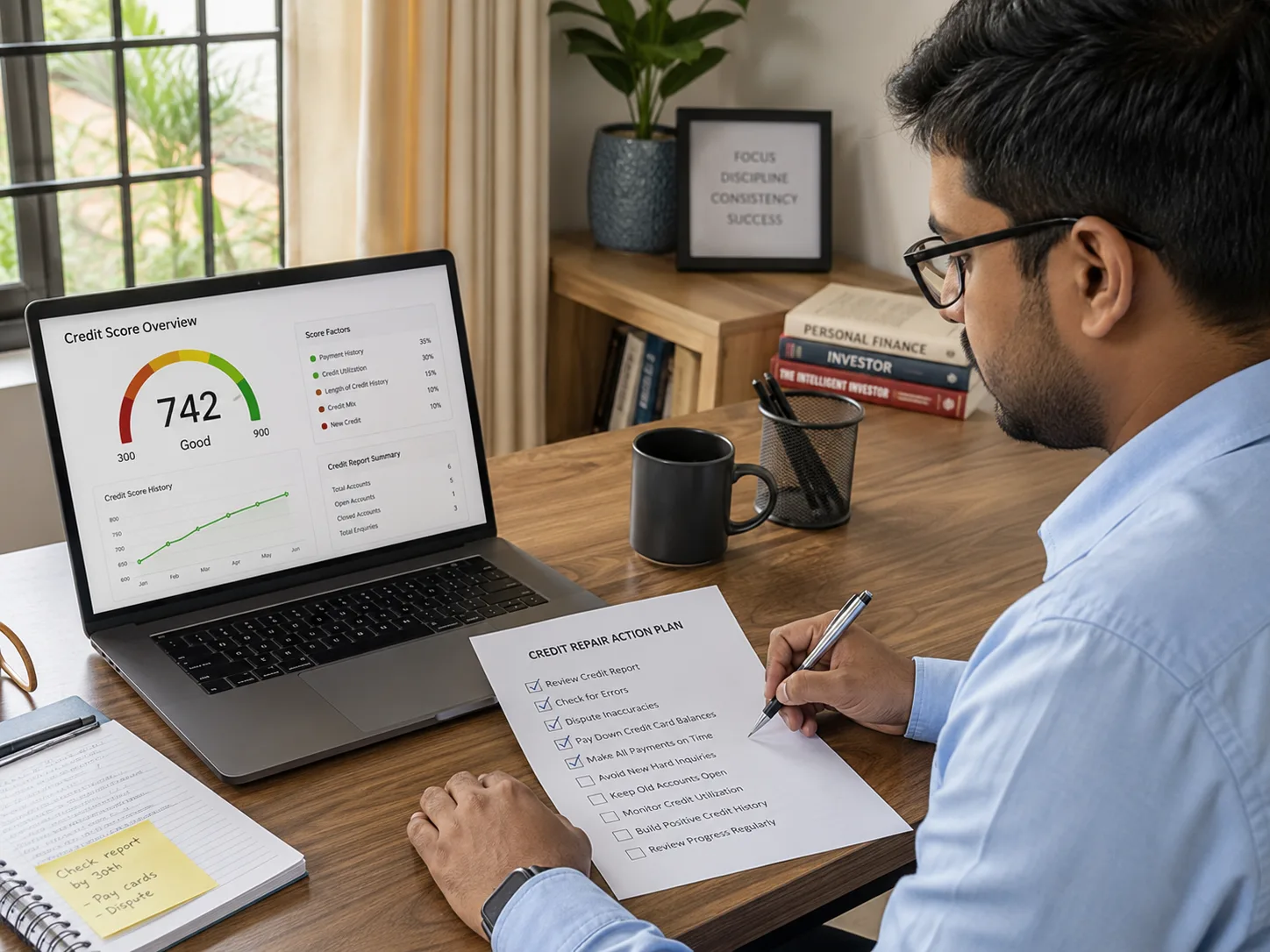
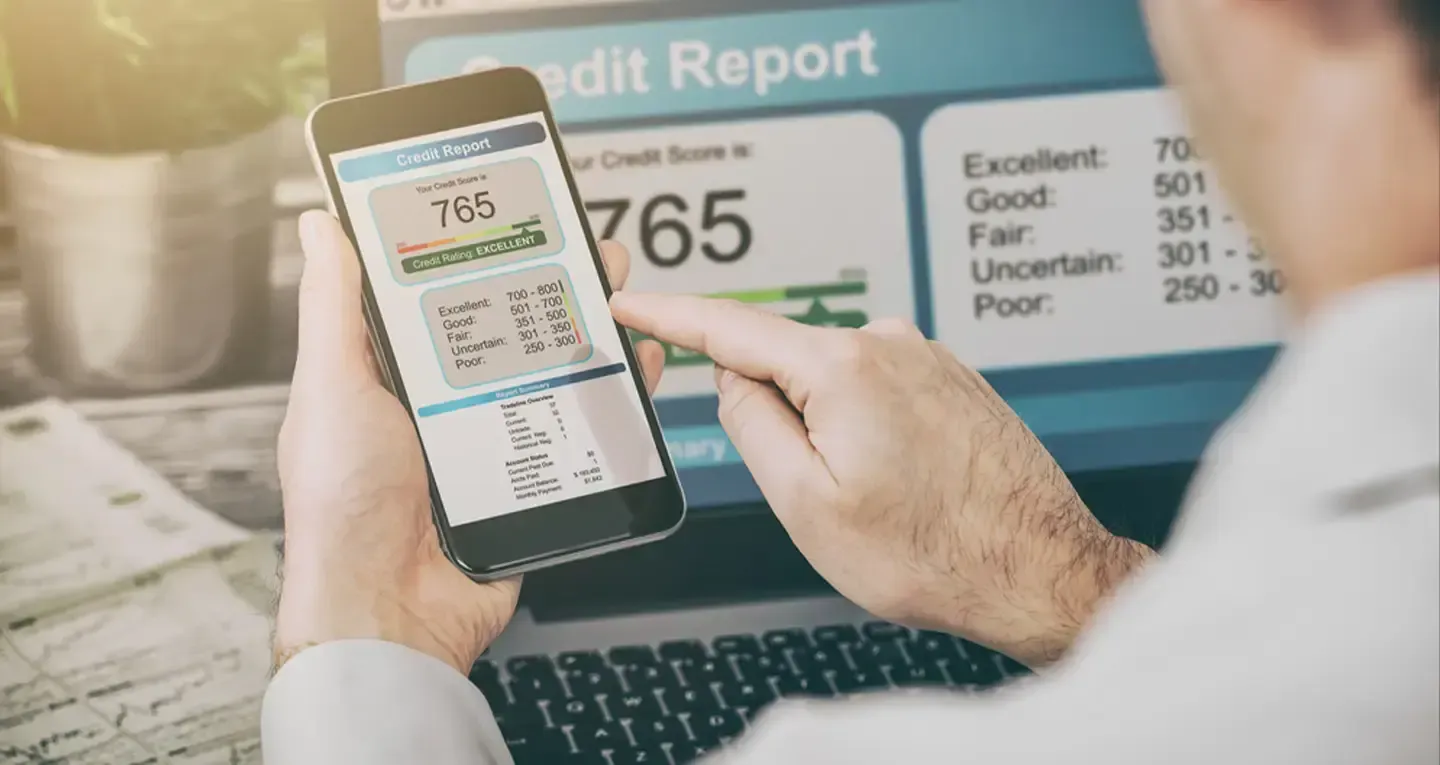
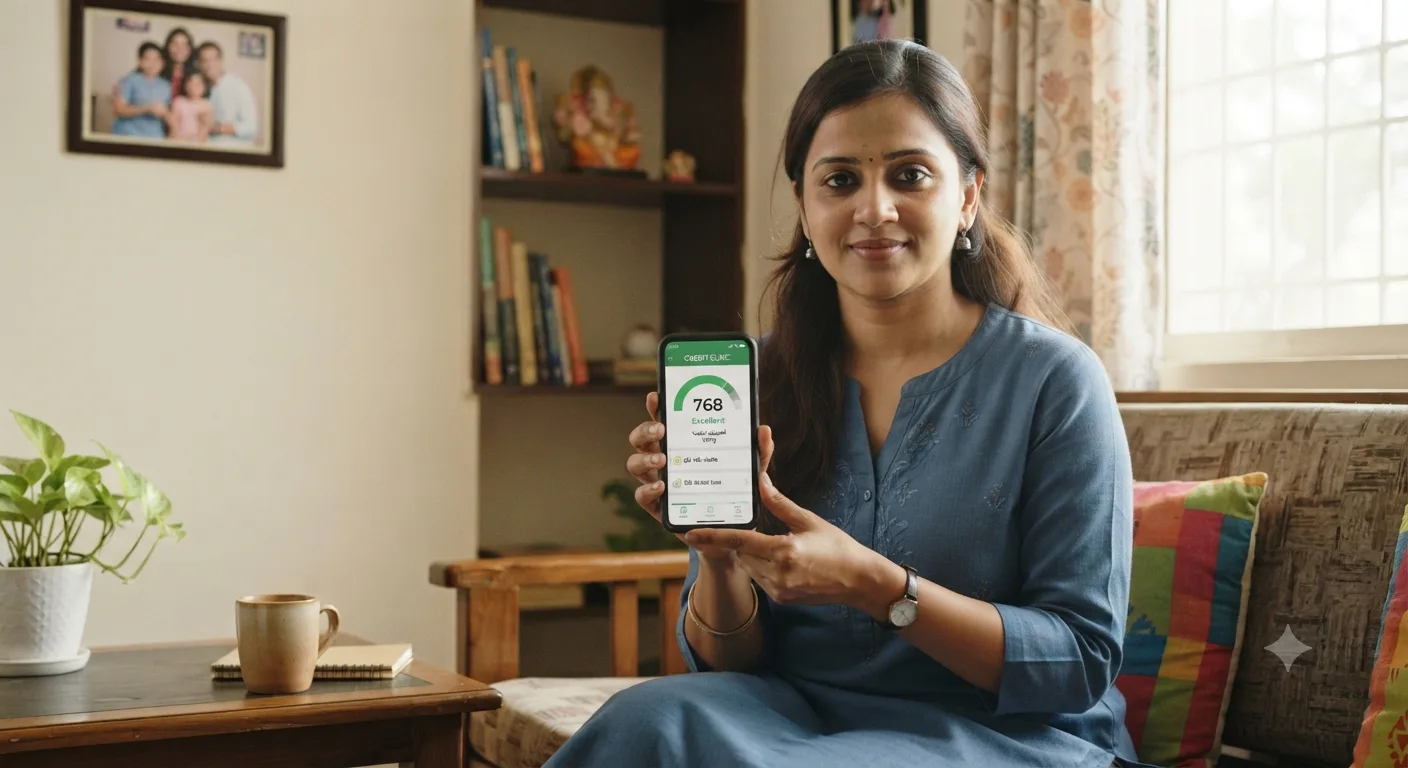
How to Download Your CIBIL Report Online
A CIBIL report is a document showing your full credit history, loans, cards, and repayment record. You can download it for free once a year from cibil.com by verifying your PAN and answering a short OTP and security check.
Mohit Juneja
Reviewed by FREED India, Debt Resolution Specialists
 4.7/5
4.7/5 ₹3,200Cr+
 20,000+
 20,00,000+4.7/5₹3,200Cr+20,000+20,00,000+
KEY TAKEAWAYS

A CIBIL report download is free once every calendar year, directly from cibil.com.
cibil.com is the only official source. Third-party sites that charge money for a "real" CIBIL report should be treated with caution.
The downloaded PDF is password-protected. The password is usually tied to your date of birth or PAN, in a fixed format cibil.com shows you at the time of download.
Experian, Equifax, and CRIF High Mark also give you one free report a year, each from its own website.
Most banks also let you pull a free monthly soft-check report through their own app or net banking.
Where to Download Your CIBIL Report Officially
cibil.com is the only official website for your TransUnion CIBIL report. It belongs to TransUnion CIBIL, the credit bureau that RBI has licensed to hold and share your credit history with banks.
You will come across many other websites and apps that claim to give you your "real" CIBIL score and report, sometimes for a fee. Some of these are legitimate partners who pull the report from CIBIL with your consent. Others are not, and a few exist purely to collect your PAN and personal details. If a site is asking you to pay for something cibil.com gives away free once a year, pause and check the domain carefully before you enter anything.
Under RBI's directive to Credit Information Companies (effective January 1, 2017, issued under the authority of the Credit Information Companies (Regulation) Act, 2005), every borrower has the right to one free, full credit report from each licensed bureau every calendar year. This right exists so you can check your own record without paying a bureau or a bank for the privilege. cibil.com is where that right is exercised for your CIBIL report specifically.
If you already used your free report earlier in the year, cibil.com will usually prompt you to pay a small fee for an additional copy. That is normal and does not mean anything is wrong with your account.

Found a Confusing Entry on Your Report
Get help understanding what it means and what to do next.
Talk to a FREED CounsellorHow to Download Your CIBIL Report
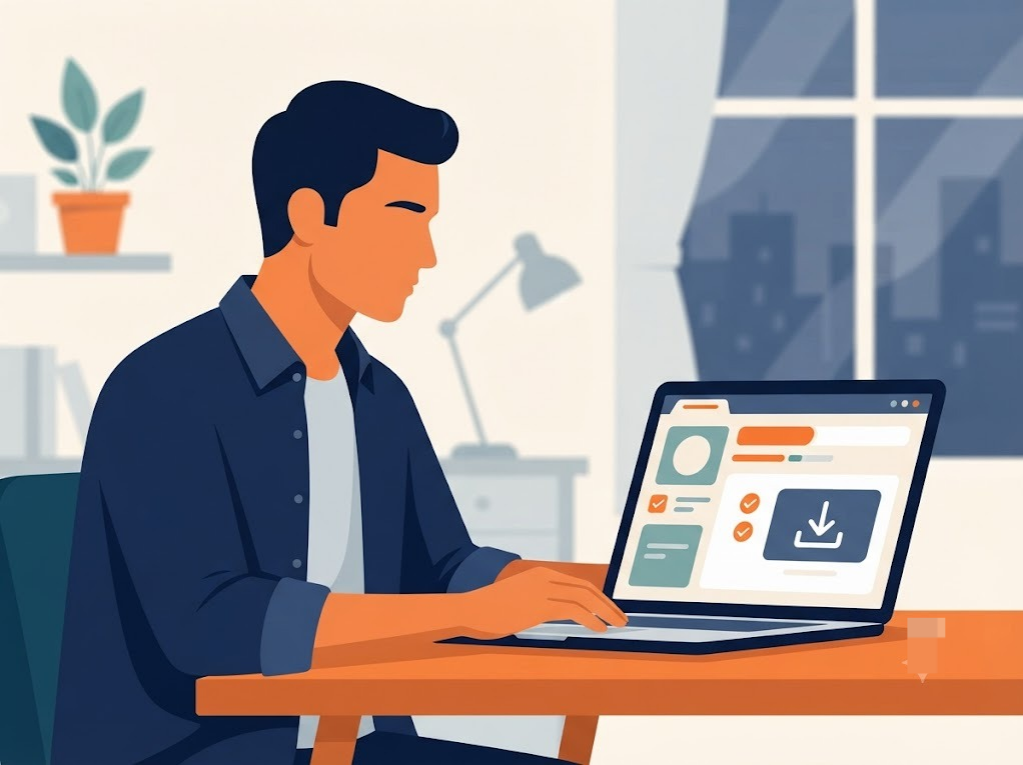
This is the actual process, start to finish. It usually takes under 10 minutes if you have your PAN card and phone with you.
Step 1: Go to cibil.com directly. Type the address yourself rather than clicking a link from an SMS, WhatsApp forward, or search ad. This protects you from look-alike sites built to steal your PAN and mobile number.
Step 2: Click "Get Free CIBIL Score & Report." This option sits on the cibil.com homepage. It takes you to a short signup form, not straight to your report, since CIBIL needs to confirm who you are first.
Step 3: Enter your PAN, name, date of birth, and mobile number exactly as per your PAN card. Even a small mismatch, a missing middle name or a different date format, can cause the verification to fail. Keep your PAN card next to you while filling this in.
Step 4: Verify with the OTP sent to your registered mobile number. The OTP confirms the number belongs to you. If you have changed your number recently and not updated it anywhere, this step can get stuck, in which case you will need to try an older registered number first.
Step 5: Answer three security questions based on your credit history. These are things like "Which bank issued your most recent credit card" or "What is the approximate EMI on your active loan." They exist to prove you are really you, not someone who got hold of your PAN.
Step 6: View your score and report on the dashboard, then download the PDF. Once verification clears, your score and a summary appear on-screen immediately. The download button for the full report sits just below or beside this summary.
How to Open Your Password-Protected CIBIL Report PDF
The report you download is locked. This is a security measure, since the file contains your full loan history, account numbers, and personal details, and CIBIL does not want it opening on anyone's screen without a password.
The exact password format is something CIBIL controls and can change, so keeping this generic ("check the instructions shown at the time of download") rather than specifying a fixed format is the right call. Nothing to verify further here — the flag should stay until someone confirms the live format at publish time.
Most "wrong password" errors come down to small formatting slips. A date written as 15011990 when the system expects 15-01-1990, capital letters in the PAN portion when lowercase is expected, or a stray space copied in from the email. Type the password fresh rather than copying it, and try both the date-first and PAN-first order if the first attempt fails.
If you have tried the correct format two or three times and it still will not open, the safest next step is to download the report again from cibil.com rather than troubleshooting an old file. Reports downloaded weeks apart sometimes use slightly different password rules.

Freed Expert Tip
Download your report right before applying for any loan or card, not months in advance. Lenders see the current version, so a fresh download shows you exactly what they will see.
Check your reportCommon Mistakes When Downloading Your CIBIL Report
A few small errors account for most of the failed download attempts and locked-out accounts people run into.
- PAN details that do not exactly match your PAN card. A shortened first name, a missing initial, or a wrong date format is enough for CIBIL's system to reject the request. Keep your physical PAN card open in front of you while filling the form.
- Using an unofficial third-party site instead of cibil.com. Some of these sites show an estimated score rather than your real bureau report, and a few exist only to collect personal data. Go to cibil.com directly every time.
- Forgetting you already used your free annual report. CIBIL allows one free detailed report per calendar year. If you already claimed it earlier in the year, the site will ask for a small payment for another copy, which is expected, not an error.
- Answering security questions incorrectly and getting temporarily locked out. These questions pull from your actual credit history, so a guess based on what you assume your accounts look like can fail. If you are locked out, wait for the cooldown period cibil.com specifies rather than retrying repeatedly.

What the Law Says
Under RBI's Credit Information Companies (Regulation) Act, 2005, every individual is entitled to one free, detailed credit report from each licensed credit bureau every calendar year.
Read your rights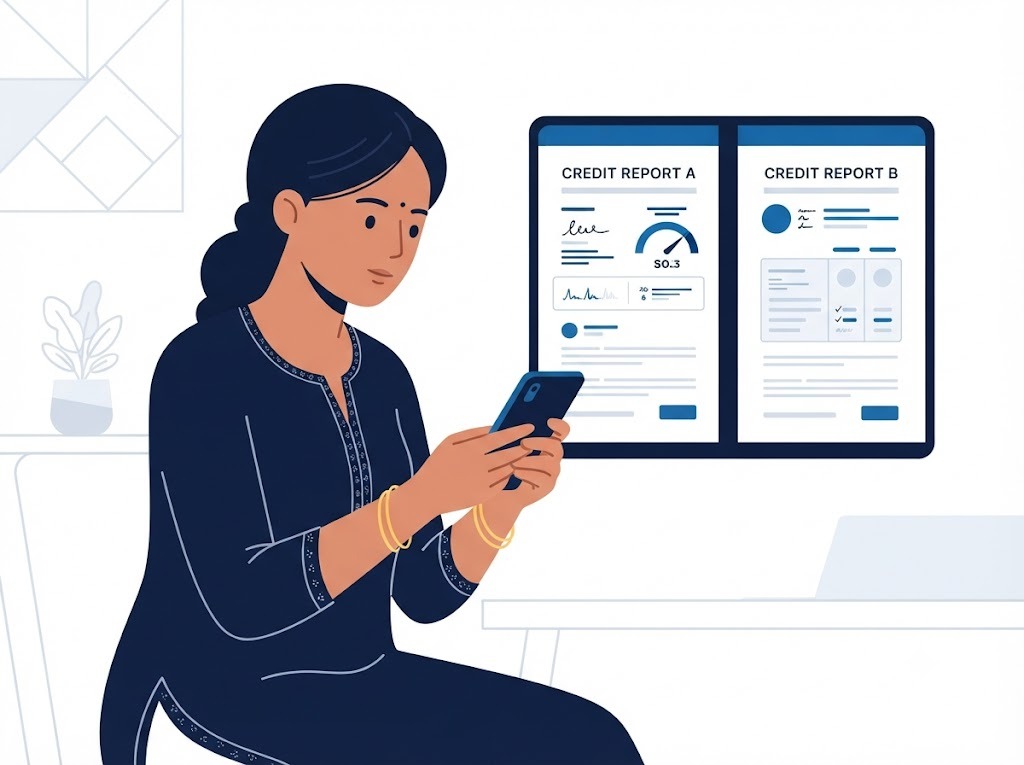
Downloading Reports From Other Bureaus: Experian, Equifax, CRIF
CIBIL is not the only credit bureau in India. RBI has licensed three others: Experian, Equifax, and CRIF High Mark. Each one keeps its own version of your credit history, built from the banks and NBFCs that choose to report to it.
Each bureau has its own official portal, experian.in for Experian, equifax.co.in for Equifax, and crifhighmark.com for CRIF High Mark, and each also gives you one free detailed report per calendar year, following a verification process similar to CIBIL's PAN, OTP, and security-question flow.
The score and details shown on each report can differ slightly. Not every bank or NBFC reports to all four bureaus, so a loan that shows up on your CIBIL report might be missing from your Equifax report, or vice versa. This is normal and does not mean one report is wrong. If you want the full picture of your credit history, checking more than one bureau occasionally is worth the extra ten minutes. You can pull a free credit report from Experian through FREED and see each factor banks look at.
What to Do Once You've Downloaded Your Report
Downloading the report is only the first half of the job. Once the PDF is open, go through it with a specific checklist in mind rather than skimming it once.
Start with your personal details: name, date of birth, address, and PAN. A wrong spelling or an old address does not affect your score directly, but it can slow down a loan application later, so note it down for correction.
Next, go through every account listed, including ones you may have forgotten about, old credit cards, closed loans, or accounts you co-signed for a family member. For each one, check the payment status and the Days Past Due (DPD) column. A DPD of 0 means on-time payment. Anything higher flags a missed or late payment for that month.
Finally, look for anything unfamiliar, an account you never opened, a loan amount that looks wrong, or a status that does not match what you remember paying. These are the entries worth raising as a formal dispute rather than ignoring.
If your report shows a "Settled" tag, a written-off account, or an NPA (loan marked as bad by the bank, usually after 90 days of missed EMI) that you do not fully understand, that is a good moment to get a second opinion before deciding what to do next.
Report Shows Debt You're Struggling to Manage
See if consolidation or settlement fits your situation.
Get a Free AssessmentHow FREED Helps If Your Report Shows an Entry You Don't Understand
A downloaded report is full of short codes and status tags that mean nothing to most people on first read — Settled, Written-off, NPA, DPD.
If something on the report looks genuinely wrong — an account you never opened, or a payment marked late when you paid on time — FREED's Credit Insights subscription can help you see exactly what's impacting your score, so you know what you're actually looking at before you approach the bureau's dispute process.
And if the report confirms what you already suspected — that your EMIs across multiple loans have become genuinely difficult to manage — FREED assesses your full financial picture and helps you understand whether the Loan Consolidation Plan (LCP), which combines eligible unsecured loans into one repayment schedule with simplified debt management, or the Loan Settlement Plan (LSP), which is for borrowers who are truly unable to repay in full, fits your situation.
Are You in a Loan Trap? Quick Check
Move the slider to your total EMIs as a % of monthly salary. See your debt stress level instantly.
EMIs as % of Monthly Salary
What Helps Before You Download Your Report
A few things ready in advance make the whole process faster and avoid the most common holdups.
Keep your PAN card and your registered mobile number with you before you start, since both are needed within the first two steps. Double-check that the spelling of your name matches your PAN card exactly, including middle names or initials, since even a small mismatch can stall verification. Always start from cibil.com directly rather than a bookmarked link or one someone forwarded you, since old links occasionally point to outdated pages. Once you have the PDF, save it somewhere secure, a password-protected folder or a private cloud drive, since the file holds sensitive financial details you would not want sitting in a shared downloads folder.
Steps: How to Download Your CIBIL Report Online
Go to the official CIBIL website. Type cibil.com directly. Do not click links from search ads or forwarded messages.
Enter your details exactly as per PAN. Name, date of birth, PAN number, and mobile number must match your PAN card exactly.
Verify with OTP and security questions. The OTP confirms your mobile number. The security questions are drawn from your actual credit history.
View and download your report. Access your score and report on the dashboard, then download the PDF.
Unlock and save the PDF securely. Use the password format shown at download, then store the file somewhere private.
Comparison Table: CIBIL Report Download Options
Source | Cost | Frequency |
cibil.com (official) | Free | Once per calendar year |
Bank app or net banking | Usually free | Monthly soft check |
Third-party finance apps | Often free, estimated score only | Varies |
cibil.com additional reports | Paid | Beyond the one free annual report |
If your only goal is a quick number to track over time, your bank's monthly soft check is enough. If you are applying for a loan or checking for errors, download the full, official report from cibil.com so you see exactly what a lender would see.
Disclaimer: FREED is not a Loan Provider. Always confirm you are on the official cibil.com domain before entering any personal details.
Sources
Claim in Article | Source | Verification | |
|---|---|---|---|
1 | RBI mandates one free full credit report per calendar year from each licensed bureau, effective Jan 1, 2017, under CICRA 2005 | RBI directive, reported by Deccan Herald | RBI directed all credit information companies to provide a free full credit report once every calendar year to individuals, effective January 1, 2017, in electronic format, with the access procedure displayed on each bureau's website deccanherald |
2 | Four RBI-licensed bureaus: CIBIL, Experian, Equifax, CRIF High Mark, each governed by CICRA 2005 | Tally Solutions credit bureau guide | All four bureaus are licensed by the RBI and governed by the Credit Information Companies (Regulation) Act, 2005 — TransUnion CIBIL, Experian, Equifax, and CRIF High Mark Tally Solutions |
3 | Each bureau requires separate claim of its own free annual report | Tally Solutions | Each RBI-licensed bureau must provide one free full credit report per year, and this must be claimed separately from each bureau Tally Solutions |
4 | Report PDF is password-protected, typically DOB + PAN or name-based combination | Paisabazaar / Airtel Finance / CreditMantri | CIBIL report PDF passwords follow formats like the first four letters of the name on the PAN combined with birth year; Paisabazaar the file is typically password-protected using a combination of date of birth and PAN number Airtel Finance |
5 | Password format isn't fixed — varies by source/platform | Cross-source conflict (Paisabazaar, Buddyloan, CreditMantri, Bajaj Finserv, Moneyview all give different formats) | Confirms the article's "check instructions at time of download" framing is the safer call — formats genuinely differ across sources, no single authoritative fixed pattern found |
6 | Additional reports within the same year require a paid fee | RBI directive (implied — one FFCR/year is the free entitlement; anything beyond is discretionary bureau pricing) | the RBI-mandated free full credit report is once per calendar year deccanherald — paid-additional-copy behavior is standard bureau practice beyond that entitlement, not separately codified |
7 | Legal-flag paragraph: "every individual entitled to one free report from each bureau every calendar year" | Same as #1/#2 | Confirmed accurate — this can be de-flagged |

Mohit Juneja
Mohit Juneja writes educational content at FREED on debt management, credit scores, loan repayment, and borrowing best practices. His content is shaped by expert insights and industry knowledge, helping readers better understand their financial options and make informed decisions.
mohit.juneja@freed.care

FREED is India's trusted loan management platform. Founded in 2020 and headquartered in Gurugram, FREED has counselled 20 lakh+ people on personal loans, credit cards, and app loans. FREED charges fees only on successful settlement, not upfront. FREED does not handle secured loans (home loans, car loans, gold loans).
Media Mentions